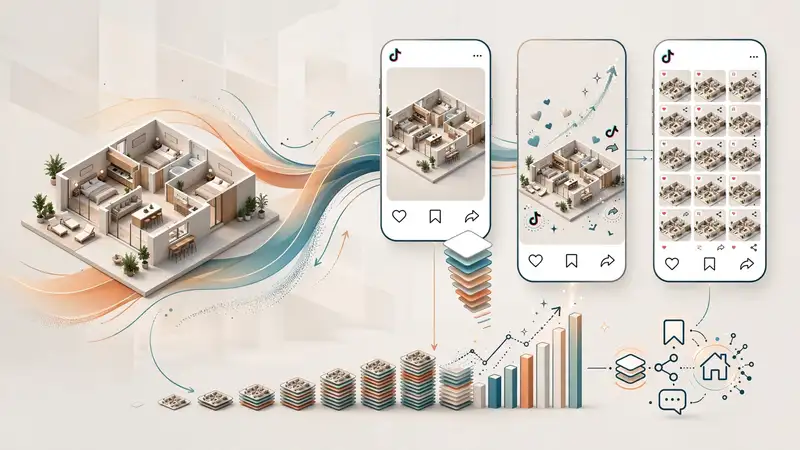
3d floor plan rendering for social media marketing is the practice of adapting photorealistic or stylized floor plan visuals into platform-specific formats – Reels, Stories, carousels, and static posts – to help buyers understand a property’s layout in seconds. Unlike a flat 2D blueprint, a rendered floor plan communicates flow, scale, and room relationships instantly, which is exactly what a scrolling audience needs. Agents and developers who integrate these visuals into their content calendars consistently report higher saves, shares, and inbound DMs compared to photo-only posts.
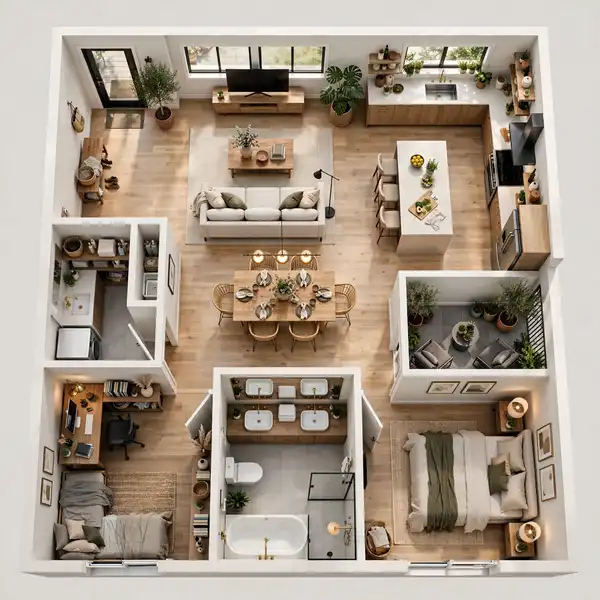
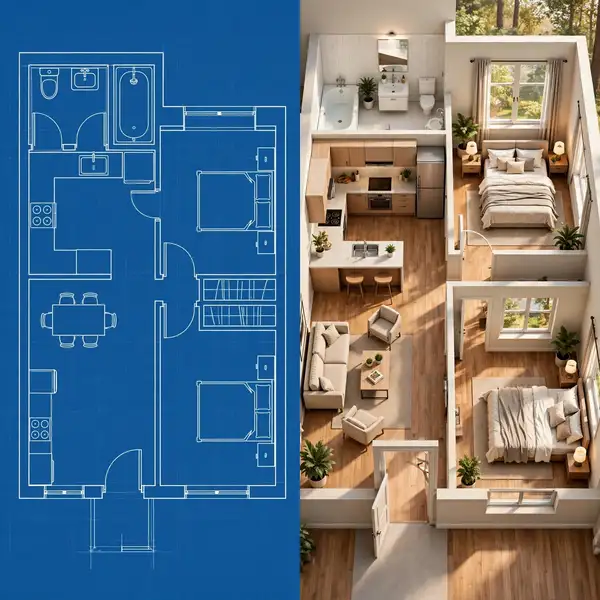
If you have ever posted a listing photo and watched it sink without a single comment, you already know the problem: photos alone rarely explain how a home actually works. A kitchen photo shows finishes, not flow. A bedroom photo shows staging, not square footage relative to the hallway. This is where a well-produced 3D rendering services approach changes the outcome – it turns a static floor plan into a marketing asset that does the explaining for you, before a buyer ever books a showing.
In this guide, you will learn exactly how to plan, produce, and publish 3D floor plan renderings across Instagram, Facebook, TikTok, LinkedIn, and Pinterest, along with the formats, common mistakes, and expert workflows that separate high-performing real estate social accounts from the rest.
What is 3D Floor Plan Rendering for Social Media?
3d floor plan rendering for social media refers to converting a property’s architectural floor plan into a visually rich, three-dimensional (or 2.5D isometric) graphic that is specifically formatted, cropped, and captioned for platforms like Instagram and TikTok.

A few defining traits separate a “social-ready” rendering from a standard architectural deliverable:
- Square or vertical aspect ratio (1:1 for feed posts, 9:16 for Reels and Stories)
- Simplified labeling – room names and square footage, not technical dimensions
- Brand-consistent color palette matching the agency or developer’s identity
- Motion-friendly layers so the same render can be animated for Reels
- Bite-sized information density – one idea per slide, not an entire blueprint crammed into one frame
Because attention spans on social platforms are measured in seconds, the rendering itself has to do more communicating with less clutter than a printed floor plan ever needed to.
Why Floor Plan Renderings Outperform Standard Listing Photos
Several factors consistently drive stronger performance for rendered floor plan content:

- Instant spatial comprehension. Viewers grasp room relationships without needing to visit the property.
- Higher save rate. Buyers researching a purchase decision save layout posts to revisit later, and saves are a strong ranking signal on Instagram and Pinterest.
- Shareability within households. A floor plan is the one asset a buyer forwards to a partner or roommate to get a second opinion.
- Lower production cost per engagement. One rendering can be repurposed into five or more pieces of content (static post, carousel slide, Reel background, Story sticker overlay, Pinterest pin).
- Works across the funnel. Floor plans are equally effective for top-of-funnel brand awareness and bottom-of-funnel decision-making content.
Quick answer: Floor plan renderings outperform standard photos on social media primarily because they reduce the mental effort needed to understand a property, which directly increases saves, shares, and comments – the three engagement signals most platform algorithms weight heavily.
Best Social Platforms for 3D Floor Plan Rendering Content
Not every platform rewards this content type equally. Here is how the major channels compare.
| Platform | Best Format | Why It Works |
|---|---|---|
| Carousel + Reels | High save/share behavior; algorithm favors watch-time on Reels | |
| TikTok | Reels-style walkthrough animation | Rewards motion and narrated “tour” style content |
| Vertical static pin (2:3 ratio) | Long content lifespan; strong for renovation/design search intent | |
| Carousel + native video | Older demographic responds well to detailed captions | |
| Single static image | Effective for B2B audiences – architects, developers, brokers |
Content Formats: Static Posts, Carousels, Reels, and Stories
Different formats serve different stages of the buyer’s attention span. A well-rounded 3d floor plan rendering for social media campaign typically uses all four.
Static Feed Posts
A single, high-resolution rendered floor plan with minimal text overlay works best as a scroll-stopping hero image. Keep labeling to essentials: bedroom count, bathroom count, and total square footage.
Carousel Posts
Carousels allow you to break a floor plan into a narrative:
- Slide 1: Full floor plan overview
- Slide 2: Zoomed detail of the primary suite
- Slide 3: Kitchen and living flow
- Slide 4: Outdoor/patio connection
- Slide 5: Call-to-action slide with agent contact details
Reels and Short-Form Video
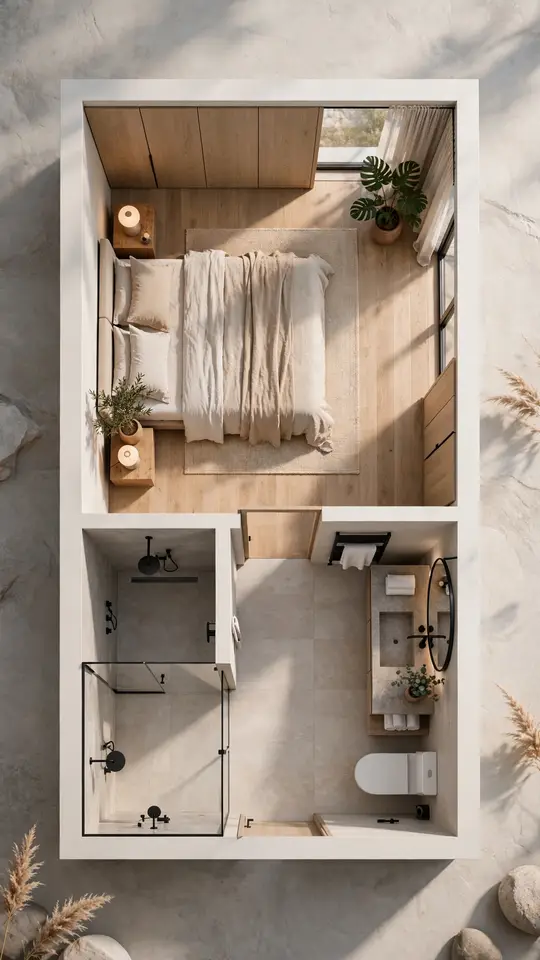
Animate the camera “flying” across the rendered plan, revealing room labels as it moves. This format performs particularly well for hotel room and lobby layouts and multi-unit developments where a static image cannot capture the full scale.
Stories and Highlights
Use Stories for time-sensitive updates (open house reminders, price changes) with the floor plan as a supporting background graphic, and save high-performing renders into a permanent “Floor Plans” Highlight for future visi
Step-by-Step: Turning a Floor Plan Into a Social Campaign
- Start with a clean architectural source file. Whether it is a CAD file, PDF, or hand sketch, quality output depends on quality input – see our guide on preparing CAD, PDF, and sketch files for rendering before submitting to your rendering partner.
- Choose a visual style. Photorealistic 3D, flat 2.5D isometric, or minimalist line-art – each suits a different brand tone.
- Commission platform-specific crops. Request 1:1, 4:5, and 9:16 exports in the same brief to avoid re-ordering later.
- Add brand overlays. Logo watermark, agent headshot, and a consistent color accent build recognition over repeated posts.
- Write captions that answer a question. “How much natural light does the primary bedroom get?” performs better than a generic “New listing!” caption.
- Schedule around peak engagement windows. Real estate content on Instagram typically performs best in the early evening and weekend mornings.
- Repurpose across platforms. One rendering asset should be reformatted, not recreated, for each channel.
Comparison: 2D Floor Plans vs. 3D Rendered Floor Plans on Social Media
| Factor | 2D Floor Plan | 3D Rendered Floor Plan |
|---|---|---|
| Visual appeal on feed | Low – flat, technical | High – dimensional, polished |
| Time to comprehend layout | Requires prior reading skill | Near-instant, intuitive |
| Mobile readability | Often too small to read | Scales well with color-coded zones |
| Shareability | Low | High – buyers forward to family/partners |
| Production cost | Lower | Moderate, but reusable across formats |
| Best use case | Legal/technical documentation | Marketing, social, listing presentations |
Common Mistakes to Avoid

Even experienced marketing teams run into avoidable errors when producing this content:
- Overloading a single slide with every dimension and label. Simplicity wins on mobile screens.
- Ignoring platform-specific aspect ratios, which forces awkward automatic cropping.
- Skipping brand consistency, making the content forgettable across a feed.
- Publishing without a caption hook, leaving engagement entirely up to the visual.
- Using outdated or unrevised floor plans that no longer match the finished property – a mistake covered in more depth in our piece on choosing a 3D floor plan house rendering company.
- Not tracking which formats actually convert, leading to repeated spend on underperforming content types.
Expert Tips for Higher Engagement

- Pair the floor plan with a matching walkthrough video so viewers can move between the 2D-mental-map and the 3D-real-feel experience.
- Use consistent color-coding across a listing’s full content series (e.g., always highlighting the primary suite in the same accent color).
- Add a “before and after” slide for renovation or staging projects; renovation-adjacent content historically drives strong Pinterest traffic.
- Lean on data, not just design. Architects and design-forward brands can build credibility by pairing renderings with the same intent-driven approach used when architects communicate design intent through 3D floor plan rendering.
- Test captions as questions, not statements – question-based captions tend to draw more comments, which social algorithms reward with extended reach.
Tools and Deliverables You Should Request From Your Rendering Partner
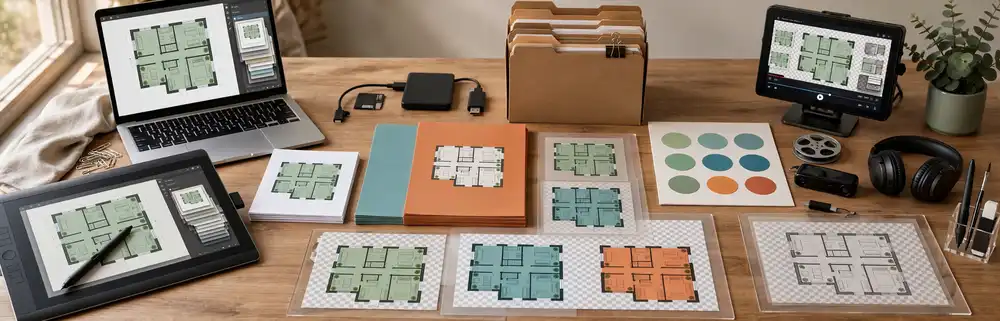
When briefing a rendering studio or in-house designer for social-first floor plan content, ask for:
- Source files in layered PSD or editable vector format
- Pre-cropped exports for 1:1, 4:5, and 9:16
- A brand-matched color variant set
- Transparent-background versions for overlay use in Reels/Canva
- A short animated MP4/MOV version for Reels and TikTok
For developers and custom builders specifically, this content strategy also directly supports sales conversations – a theme explored further in how custom home builders use 3D floor plan rendering to win clients and in the broader data behind how 3D floor plan rendering transforms real estate listing performance.
Frequently Asked Questions
What is 3d floor plan rendering for social media?
It is the process of converting an architectural floor plan into a visually simplified, platform-formatted graphic – typically 1:1, 4:5, or 9:16 – designed to help social media audiences quickly understand a property’s layout.
Which social platform performs best for floor plan content?
Instagram generally performs best for carousels and Reels, while Pinterest offers the longest content lifespan for design-focused searches. LinkedIn works well for B2B audiences such as architects and developers.
Do I need a photorealistic render, or is a simplified 2.5D version enough?
Either can work, depending on brand tone. Photorealistic renders build aspirational appeal, while simplified 2.5D or line-art versions are often easier to read quickly on mobile.
How often should I post floor plan content?
Most active real estate accounts include floor plan visuals in roughly one out of every four to five posts, balanced with lifestyle photography and video walkthroughs.
Can one rendering be reused across multiple platforms?
Yes. A single source rendering, exported in multiple aspect ratios and with platform-specific captions, can support Instagram, TikTok, Pinterest, Facebook, and LinkedIn without needing a full redesign for each.
Conclusion
3d floor plan rendering for social media is no longer a nice-to-have for real estate marketing – it is one of the most efficient ways to turn a single architectural asset into weeks of high-performing, multi-platform content. By pairing the right format with the right platform, avoiding common labeling and cropping mistakes, and briefing your rendering partner for reusable, layered deliverables, you can build a content pipeline that consistently earns saves, shares, and qualified inquiries.
Ready to turn your next listing’s floor plan into scroll-stopping social content? Get a custom 3D floor plan rendering quote from Jytor and start building a content library that works across every platform.